FolderMind

FolderMind/Features/Overview

The whole library, on one screen

The first screen answers the questions people ask on Monday morning: what changed, what is ready, and where is that file.

One click, no account. You enter a sample firm as an admin, an editor or a viewer; the files are fictional and nothing you change is kept.

Overviewfoldermind.techma.ai
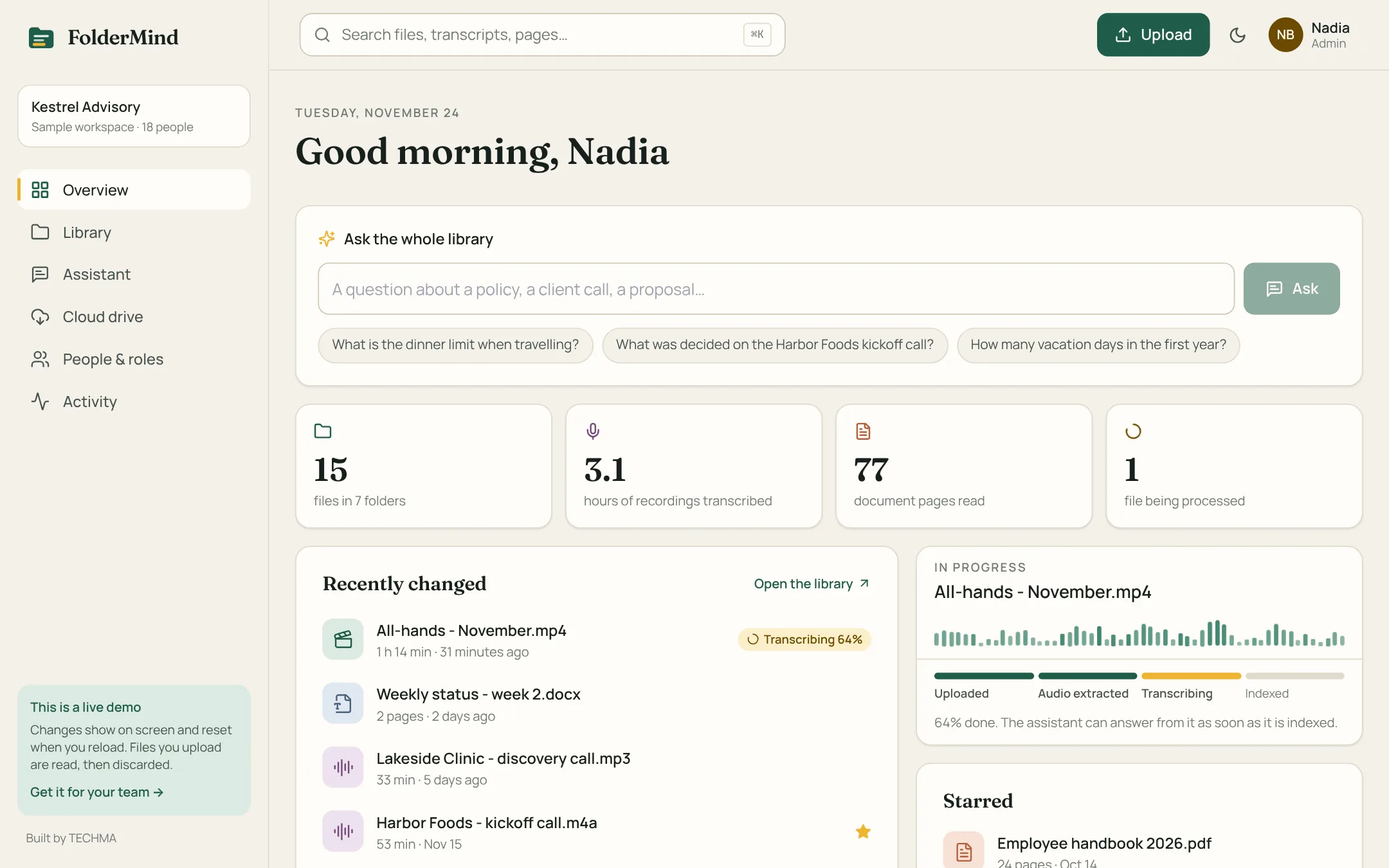
FolderMind overview with an ask box, four figures, recently changed files and a recording being transcribed

Ask before you browse

A question box sits at the top of the overview, with a few examples from your own files. Most people never open a folder: they ask, then open the source.

Four figures that matter

  • Files and the folders that hold them.
  • Hours of recordings already transcribed.
  • Document pages read and indexed.
  • Files being processed, with their progress.

What changed, and what is coming

Recently changed files are listed with who changed them and when. A recording still in progress shows its four steps (uploaded, audio extracted, transcribing, indexed), so nobody asks whether it worked.

What the library holds

A bar splits the library by kind: PDFs, documents, text, audio and video. Starred files sit beside it for the ones you open every week.

Questions

Asked before the first call

Does every person see the same overview?

The figures are the team's. What each person can do from there depends on their role: a viewer can ask and read, an editor can also upload and organize.

Live demo

Ask it something. Check the source.

FolderMind is a working application, not a mock-up. Open the sample library, read a meeting transcript, ask the assistant a question and follow its answer to the exact page or minute it came from.