FolderMind

FolderMind/Features/Cloud drive import

Bring the drive in, leave it as it is

Connect a Google Drive account, pick the files that matter, and FolderMind reads them. Nothing is moved or changed on the drive.

One click, no account. You enter a sample firm as an admin, an editor or a viewer; the files are fictional and nothing you change is kept.

Cloud drive importfoldermind.techma.ai
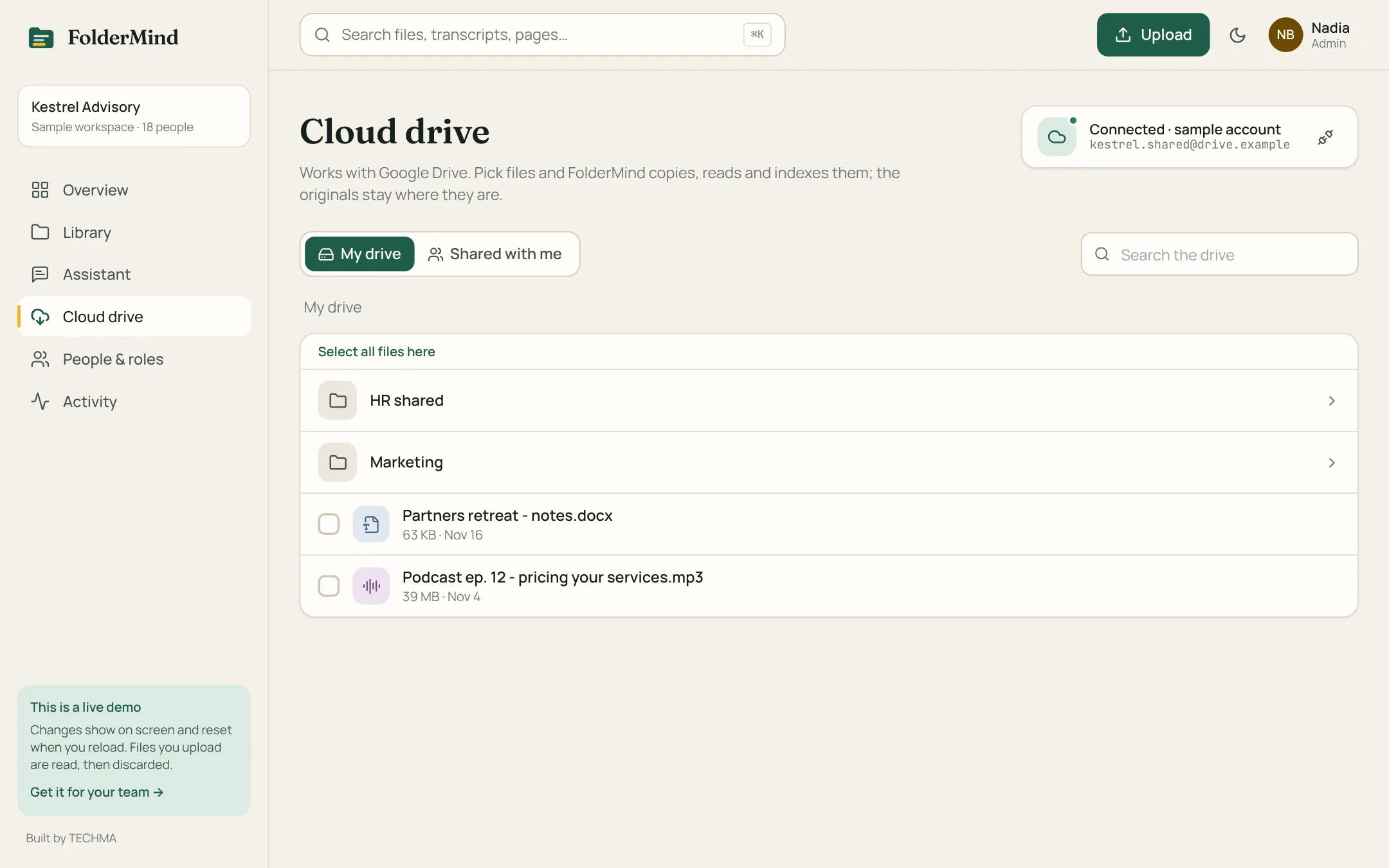
FolderMind cloud drive screen with a connected sample account, My drive folders and files to select for import

Read-only, by design

The account owner signs in on Google's page and allows read-only access. FolderMind never sees the password, and the access can be removed from either side at any time.

Browse and pick

  • My drive, with its folders.
  • Shared with me, with who shared each file.
  • Search the drive by name.
  • Select files one by one or all files of a folder.

Copied, read and indexed

Chosen files are copied into the folder you pick, read and indexed like an upload. Files already imported are marked, so nobody brings the same one twice.

Disconnect without losing anything

Disconnecting stops FolderMind from reading the account. Files already imported stay in the library.

Questions

Asked before the first call

Is FolderMind made by Google?

No. FolderMind is built by TECHMA and works with Google Drive through Google's public interface.

Can it stay in sync with the drive?

The demo imports on request. Keeping chosen folders in sync is a common addition in a version built for you.

Live demo

Ask it something. Check the source.

FolderMind is a working application, not a mock-up. Open the sample library, read a meeting transcript, ask the assistant a question and follow its answer to the exact page or minute it came from.