Text, not a preview
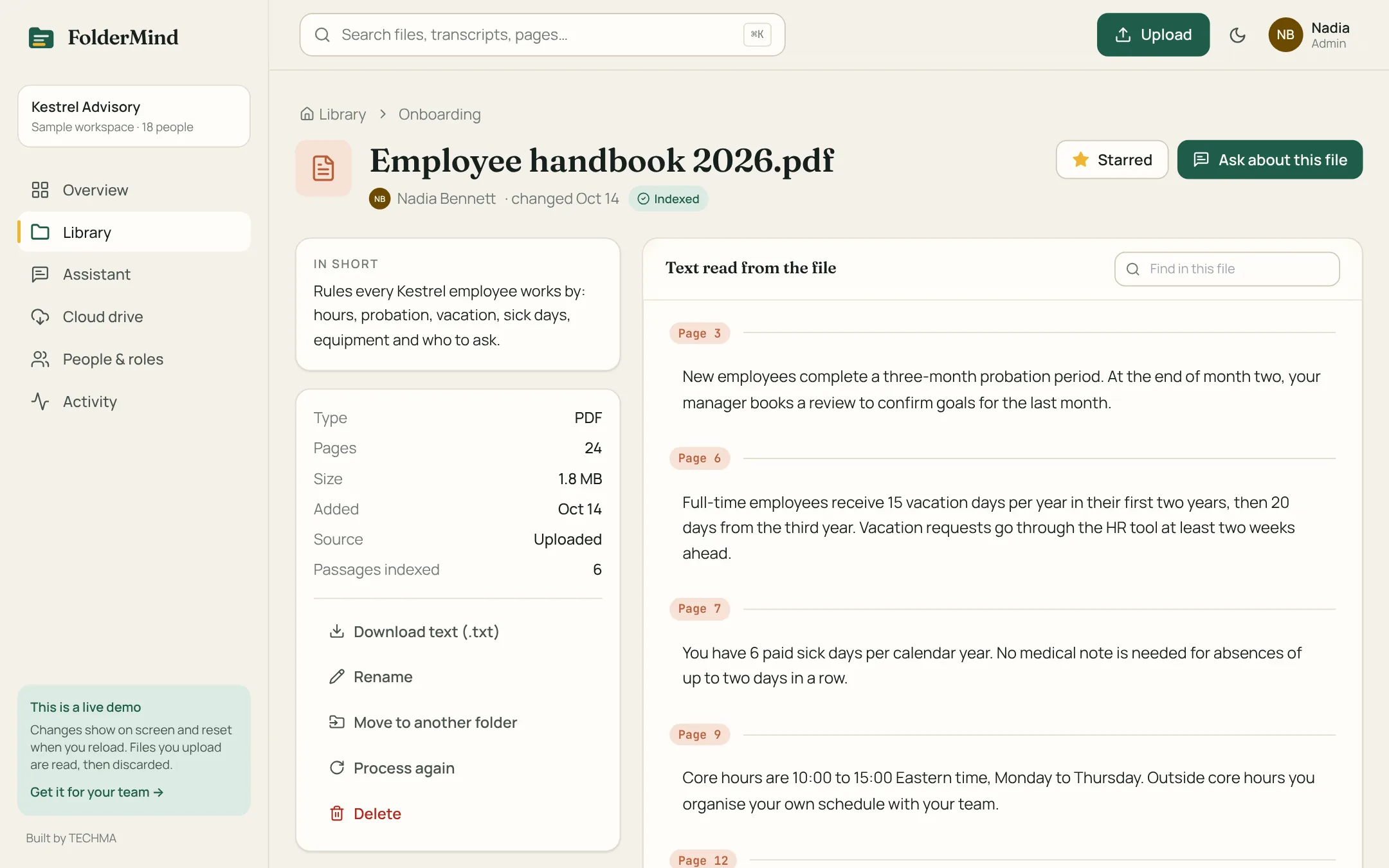
A preview shows a picture of the page. FolderMind shows the words: grouped by page for PDFs and documents, by passage for text files, so you can select, copy and search them.
Find in this file
Type a word and every passage that holds it is highlighted, with the count of matches. It works the same on a 40-page policy and on an hour-long transcript.
A summary and the details
- A one-line summary of what the file is about.
- Type, length or pages, size, date added and where it came from.
- How many passages were indexed for search and the assistant.
Linked from every answer
When the assistant cites a passage, the link opens this reader at that passage and makes it flash, so checking a source takes one click.